
Inclusive UX Design: 5 Ways to Foster Diversity in UX and Digital Products
Technology and design are evolving rapidly, but so is society. Today, inclusive UX design is more necessary than ever to create digital products that cater to a diverse user base. It's about ensuring…
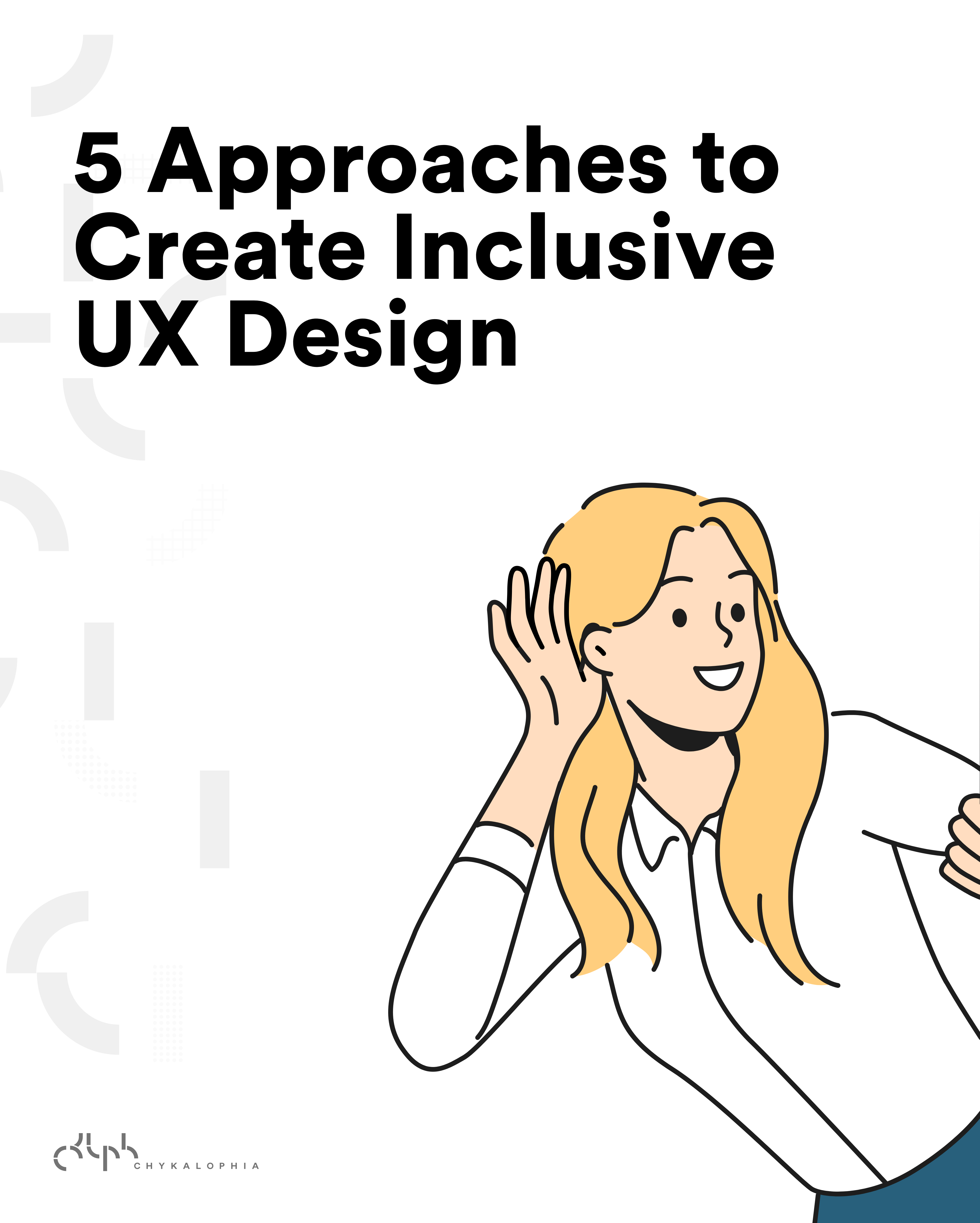
Technology and design are evolving rapidly, but so is society. Today, inclusive UX design is more necessary than ever to create digital products that cater to a diverse user base. It's about ensuring that digital environments are accessible and user-friendly to people from all walks of life.
What is inclusive UX design?
Inclusive UX design revolves around the principle that digital products should be usable by everyone, regardless of their background, abilities, or preferences. This design philosophy considers a wide range of factors, such as physical and cognitive abilities, cultural diversity, and technological proficiency. It also acknowledges the reality that our user base is not homogeneous, so we strive to create interfaces that are welcoming and efficient for a diverse audience.
You may be scratching your head now because all of this is contradictory to what you've been hearing us say about specifying your target audiences or niche. For this reason, it's important that we distinguish UX design from marketing.
To put it simply, when we design a digital product (or any product), we have to keep in mind that anyone, anywhere might stumble upon our product and try using it. Thus, inclusive UX design. Then, when we start marketing this product, we narrow it down to our specific target audience because we want this particular group to be the primary users of our product.
Design for the edges and the middle comes free. Design only for the middle and the edges get left behind.
How to create inclusive UX design and create diversity in UX
There are many different ways companies can effectively start to impact diversity in UX. Here are the essential approaches that we believe every business should start embracing.
Conduct extensive user research
User research is the backbone of inclusive UX design. To create a digital product that resonates with a broad range of users, we need to understand their unique needs, preferences, and challenges. Here's how you can approach it:
- Diverse user groups: Make sure that your user research includes individuals from different demographic groups, including those with disabilities, other cultural backgrounds, and varying levels of technological expertise.
- Empathetic interviews: Have interviews to gain insights into your users' specific challenges and needs. Encourage participants to share their positive and negative experiences with digital products.
- Usability testing: Regularly conduct usability testing, also with diverse participants, to uncover issues and gather feedback on your designs.
How to do it
- Write a short screener so your recruits span ability, age, device, and tech comfort, not just your ideal customer.
- Recruit through a panel like Maze or Optimal Workshop, or partner with a disability organization for harder-to-reach participants.
- Run the same task list with every participant so results are comparable, and store transcripts in a repository like Dovetail so themes stay searchable.
- Watch for tasks where multiple participants stall in the same spot, and treat those as your priority fixes.
See a worked example
For example, a fintech team redesigning onboarding might recruit eight participants spanning screen-reader users, older adults, and people on slow mobile connections, then run the same five tasks with each. Patterns like 'nobody found the second account link' tend to surface fast when the panel is not all power users.
Tools to use
Maze for unmoderated usability tests, Optimal Workshop for card sorting and tree testing, and Dovetail to store and tag transcripts so themes stay searchable.
Steal our AI prompt
I'm planning inclusive user research for [describe the product and the flow you're testing]. Here is my current participant list: [paste]. Point out where my sample skews toward one type of user, propose 4 to 6 participant profiles that would broaden it across ability, age, device, and tech comfort, and draft a 5-question screener to recruit them.
Embrace universal design principles
Universal design involves creating products that are intuitive and efficient for everyone, regardless of their abilities. For example, an autism-friendly website is preferred because it benefits not only people with autism but also neurotypical people. Key principles include:
- Clear and simple navigation: Make sure that your digital products are easy to navigate. Intuitive menus, logical information hierarchy, and consistent design patterns help all users find what they need.
- Responsive design: Create layouts that adapt to various screen sizes and devices, ensuring a consistent user experience regardless of the platform.
How to do it
- Check your layout against the 7 Principles of Universal Design, especially 'simple and intuitive use' and 'flexibility in use.'
- Run the page through the W3C WAI design tips for navigation, contrast, and forms.
- Resize the browser to 320px wide and to 200% zoom, then confirm nothing overlaps or gets cut off.
- Keep one consistent interaction pattern per action rather than a different control on every screen.
See a worked example
For example, a 'skip to content' link, one consistent nav pattern, and buttons that stay legible at 200% zoom tend to help a first-time visitor on a phone as much as a screen-reader user. The autism-friendly patterns the article links to, like predictable layouts and low-stimulation color, usually read as calmer to everyone.
Tools to use
The 7 Principles of Universal Design as the framework to judge against, and W3C WAI: Designing for Web Accessibility for practical navigation, contrast, and form tips.
Steal our AI prompt
Here is a description of a screen and its interactions: [describe or paste the layout and components]. Evaluate it against the 7 Principles of Universal Design and the W3C WAI design tips. List the three places it would most likely confuse a first-time, low-vision, or keyboard-only user, and give one concrete design change for each.
Accessibility is non-negotiable
Ensuring your digital products are usable by individuals with disabilities is not only a moral imperative of creating inclusive UX design, but often a legal requirement. Some essential considerations include:
- Web content accessibility guidelines (WCAG): Familiarize yourself and your team with WCAG guidelines. Comply with these internationally recognized standards for web accessibility, addressing issues such as text alternatives, keyboard navigation, and contrast ratios.
- Alternative text for images: Make sure all images have descriptive alt text, allowing screen readers to convey vital information to visually impaired users.
- Keyboard navigation: Test your designs to ensure that all interactive elements are navigable and operable using a keyboard. This is critical for individuals who cannot use a mouse.
How to do it
- Install the WAVE and axe DevTools browser extensions and scan your key templates, not only the homepage.
- Fix the machine-detectable issues first: missing alt text, unlabeled inputs, low contrast, then tab through the whole page with no mouse.
- Check each fix against the specific WCAG 2.2 success criterion in the Quick Reference so you know the level (A or AA) you are meeting.
- Re-scan after the fixes, since one change can resolve several flagged instances at once.
See a worked example
For example, running a landing page through WAVE and axe DevTools often surfaces the same handful of issues on almost every site: images with no alt text, form fields with no label, and text that fails the 4.5:1 contrast ratio. Those three usually cover a large share of the automatically detectable failures before you even start manual keyboard testing.
Tools to use
WAVE for visual in-browser evaluation, axe DevTools for automated testing you can wire into CI, and the WCAG 2.2 Quick Reference to map each fix to a success criterion.
Steal our AI prompt
Here is the HTML (or a screenshot description) of a component: [paste or describe]. Acting as an accessibility reviewer, list the likely WCAG 2.2 A and AA failures across alt text, labels, contrast, focus order, and keyboard operability. For each, name the specific success criterion and give the exact markup or attribute change to fix it.
Inclusive content and language
Inclusive UX design goes beyond the visual and structural aspects of your digital products. It also encompasses the content and language used. Here's how to foster diversity in this regard:
- Plain language: Use simple and clear language in your content. Avoid jargon, technical terms, and complex phrases that may confuse users who aren't familiar with them.
- Cultural sensitivity: Be mindful of cultural nuances. Avoid content that might be insensitive or offensive to different cultural groups. Keep in mind to select symbols, images, and colors with cultural diversity in mind.
How to do it
- Paste your copy into the Hemingway Editor and rewrite anything above roughly grade 8, plus every passive or jargon-heavy sentence.
- Cross-check identity, disability, and cultural terms against the Conscious Style Guide before publishing.
- Structure the page using the US federal plain-language guidelines: short sections, useful headings, and one idea per paragraph.
- Read the final copy aloud once, which quickly exposes sentences that are still too long or clinical.
See a worked example
For example, rewriting 'Utilize the aforementioned functionality to initiate a transaction' as 'Use this feature to start a payment' drops the reading grade and helps non-native speakers and stressed users alike. A quick pass through Hemingway to flag grade level, plus a check against the Conscious Style Guide for terms around disability or identity, catches most of it.
Tools to use
Hemingway Editor to flag dense sentences and reading grade, the Conscious Style Guide for culturally sensitive language, and the US Federal Plain Language Guidelines for structure.
Steal our AI prompt
Rewrite the following copy in plain language for a general audience, targeting reading grade 8 or below: [paste]. Remove jargon and passive voice while keeping the meaning, and flag any words or phrases that could read as insensitive around disability, age, gender, or culture, with a neutral alternative for each.
Iterate and collaborate
Inclusive design is not a one-time task. It's a continuous process that requires collaboration and iteration. Here's how to foster diversity through ongoing improvement:
- User-centered design: Place users at the center of your design process. Continuously gather and integrate user feedback to address evolving needs and preferences.
- Training and awareness: Ensure that your design team is well-informed about the importance of inclusive design. Conduct training sessions and workshops to raise awareness and foster a culture of inclusion within your organization.
- Legal and ethical considerations: Stay informed about accessibility laws and regulations applicable to your region and industry. Ethically, prioritize inclusivity in your designs regardless of legal obligations.
How to do it
- Adopt the W3C WAI 'Planning and Managing' phases so accessibility has an owner, a policy, and a monitoring cadence, not a one-off audit.
- Add a recurring accessibility review to your release process and re-test with disabled users, not only automated tools.
- Confirm your legal obligations through the ADA.gov web guidance for a US audience.
- Level up the whole team with the free W3C WAI Foundations course so the knowledge is shared.
See a worked example
For example, a team might add a recurring quarterly accessibility check to its release checklist, route one WCAG issue into every sprint, and send new designers through a shared course so 'inclusive' is not one person's job. Over a few cycles that usually moves accessibility from a launch scramble to routine maintenance.
Tools to use
W3C WAI: Planning and Managing Web Accessibility for the org-wide process, ADA.gov Web Accessibility Guidance for US legal obligations, and the free W3C WAI Foundations course to train the team.
Steal our AI prompt
Help me turn inclusive design into an ongoing process for a team of [describe team size and product]. Using the W3C WAI plan, implement, and sustain phases, draft a lightweight quarterly accessibility cadence, a per-sprint checklist item, and an onboarding step for new designers and developers. Note where I should confirm ADA obligations for a US audience.
Let's promote diversity and inclusion in digital environments
Inclusive UX design is a powerful approach to fostering diversity in digital products. We believe that it's time for us to be more mindful of our design, embrace diversity in UX, and provide a delightful digital experience for all users, regardless of who they are.
Keep reading
- UX & Web Design
Web Accessibility Is a UX and Revenue Problem, Not Just a Legal One
Almost every website fails basic accessibility, and the defects that lock out disabled users are the same ones quietly costing you conversions and search visibility. Here is the data, and what to do.
 UX & Web Design
How to Create an Autism-Friendly Website: 5 Primary Mistakes to Avoid & Web Accessibility Testing Tools
Designing an autism-friendly website means clearing away visual noise, confusing navigation, and purposeless animation so neurodivergent visitors can focus. Here are five common mistakes to avoid, plus five steps for testing your site's accessibility.
- UX & Web Design
The Checkout Is Where Your Ecommerce Revenue Leaks Out
Seven in ten carts never convert, and most of that loss is self-inflicted at checkout. Here is what the data says is leaking, and the fixes that earn the order back.
See exactly where your site is losing conversions
Paste your URL and get an instant conversion score. No form to fill out, no sales call.
Weekly strategies for businesses building what's next.
The Next Draft: one email a week on turning B2B websites into pipeline. No fluff, unsubscribe anytime.