
3 Types of Hosting for WordPress: An Easy-to-Understand Guide for Non-tech Business Owners
We present you: an easy-to-understand guide about the most commonly used types of hosting for WordPress. This guide is made for you, non-tech business owners, to stop you from scratching your head…
Here is an easy-to-understand guide about the most commonly used types of hosting for WordPress. It is made for you, non-tech business owners, to stop you from scratching your head when it comes to the tech side of your work.
- What is website hosting?
- 3 common types of hosting for WordPress
- Which one is the best WordPress hosting?
For non-tech business owners, all the IT necessities can be such a pain in the neck.
But knowledge is power, so let’s roll up our sleeves and start learning, first about WordPress hosting. Why WordPress, you ask? Because WordPress is the most widely used open-source content management system (CMS), powering about 41.5% of all websites.
Open-source CMS. Let that sink in.
Because being open-source means you need a web hosting service to build your website using WordPress. Now, what is that? 🤔
What is website hosting?
Web hosts are like digital landlords.
When you rent a room, apartment, house, or commercial space, the landlord lets you use the facilities like power, water, plumbing, and more, right? Now when you build a website, you rent from the web host and they provide you with a digital space in the server, database, software, etc.
Just like how there are different landlords and property agents, there are also various types of hosting. Let's see the most common types for WordPress.
The right host is the one you stop having to think about.
3 common types of hosting for WordPress
There are many types of web hosting services you can choose based on your business size, needs, resources, and budget. The most commonly used types of hosting for WordPress are:
- Shared hosting
- VPS hosting
- Managed WordPress
Let’s compare the three of them!
Shared Hosting
This is the most affordable one of the three types of hosting for WordPress, with bare-minimum service and support.
As the name implies, you share the digital space with other websites. A shared host provides small spaces to accommodate hundreds of websites, so it's like renting a small kiosk in a big shopping center. This means that you get to rent at lower prices, but also have to compromise the facilities. Expect relatively slower speed, lower performance, limited customization, and less support from the host.
✅ Shared hosting is best for:
- Personal websites & portfolios
- Company profiles
- Blogs
- Testing a small, new business site
❌ Don't use shared hosting for:
- E-commerce sites
- Online stores
- Businesses with a complex user flow
How to do it
- Start from WordPress.org's own recommended list instead of an ad, and shortlist two hosts.
- Check the renewal price, not just the intro price, and confirm free SSL plus one-click WordPress install.
- Cross-check your shortlist against an independent comparison for real speed and support notes.
- Pick a term, then use the host's one-click installer to stand up WordPress.
See a worked example
As an example, say you're launching a one-page portfolio or a small company profile that draws a few hundred visitors a month. A shared plan in the roughly $3 to $5 per month range is usually plenty, and you'd likely only feel the ceiling once traffic climbs into the thousands or you bolt on a store.
Tools to use
The WordPress.org hosting list to shortlist vetted entry-level hosts, and the WPBeginner hosting guide to sanity-check price and performance.
Steal our AI prompt
I'm choosing shared WordPress hosting for [describe the site: e.g. a one-page portfolio, small company profile, or blog] expecting about [describe monthly traffic] visitors a month, budget around [describe budget]. Here are the two hosts I'm comparing: [paste host names with their intro and renewal prices]. Tell me which better fits this use case, flag any gotchas in the renewal pricing or resource limits, and confirm each includes free SSL and a one-click WordPress install.
VPS Hosting
Virtual Private Server or VPS hosting. With this type of hosting, you still share the digital space you rent. However, the space isn't as cramped and crowded as a shared host.
If you choose VPS hosting, you rent a bigger digital space with fewer neighboring websites. You also get more flexibility and control over your site. VPS hosting allows more robust scaling up for when your business and website are growing. You even get better performance and support whenever you encounter an issue or bug.
With more control, enhanced flexibility, and scalability that you get, you also need to have deeper technical knowledge when you choose VPS hosting for WordPress. Budget-wise, it's also more expensive compared to shared hosting, which may not be suitable for small businesses.
Another way to look at it is that a virtual private server is almost like having a real physical server all to yourself, except smaller and you don't have to worry about the hardware.
✅ VPS hosting is best for:
- Scaling small businesses
- Online stores with limited products and a simple user flow
❌ Don't use VPS hosting if:
- You're just testing the waters
- Building an e-commerce or online store with hundreds of SKUs
How to do it
- Decide managed vs unmanaged: a raw VPS like DigitalOcean if you have a developer, a managed layer like Cloudways if you don't.
- Size the server to your peak rather than your average; starting near 2GB RAM and scaling up is common.
- Confirm backups, staging, and free SSL are included or easy to add before you migrate.
- Migrate a copy first, test checkout and page speed, then repoint your domain.
See a worked example
As an example, say a small store has outgrown shared hosting and pages crawl during a promotion. Moving to a VPS-class plan gives you dedicated CPU and RAM so a traffic spike doesn't drag the whole site down, though you'd typically want someone comfortable with a control panel, or a managed layer on top, to run it.
Tools to use
DigitalOcean Droplets for a raw VPS if you have a developer, or Cloudways for a managed control panel if you don't.
Steal our AI prompt
My WordPress site is outgrowing shared hosting: [describe the symptoms, e.g. slow pages during promos, timeouts]. It's a [describe site type, e.g. WooCommerce store with ~X products] getting about [describe traffic]. I'm weighing an unmanaged VPS (DigitalOcean) against a managed layer (Cloudways), and my team's server comfort is [describe Linux/control-panel experience]. Recommend managed vs unmanaged for me, a sensible starting server size, and a safe migration order.
Managed WordPress
Of all the three types of hosting we're covering, only this one is specifically tailored for WordPress sites.
Managed WordPress hosting is more of a tailored and hands-off experience, and for that, you do have to pay a premium. This, however, is what we usually recommend for our clients.
Managed WordPress hosting provider handles most of the tech stack for you and sometimes can help do WordPress, theme, and plugin updates for you. You may also get automated setups and backups, as well as typically 24/7 support, better optimization, more advanced security, built-in caching, and early security detection, among others.
✅ Managed WordPress hosting is best for:
- Agencies and enterprises
- WordPress professionals
- High-traffic websites
❌ Don't use managed WordPress hosting if:
- You don't have a dev team
- You're working with a limited budget and resources
How to do it
- Match the plan to visits and site count: a single-site plan for one busy site, an agency tier for many.
- Confirm the essentials are included: staging, automated backups, a CDN, and free SSL.
- Ask whether they run plugin, theme, and core updates for you, and how rollbacks work.
- Use their free migration to move an existing site, then test on staging before going live.
See a worked example
As an example, say you run a busy content site, or an agency juggling several client sites, and don't want to babysit updates. Managed WordPress bundles caching, backups, staging, and updates, so a plugin update that might take down a DIY setup gets caught on staging before it reaches visitors. You pay a premium per month, but you buy back the maintenance time.
Tools to use
Steal our AI prompt
I'm evaluating managed WordPress hosting for [describe: e.g. a high-traffic content site, or an agency running N client sites], with about [describe monthly visits] and priorities of [describe: hands-off updates, staging, backups, speed]. Here are the plans I'm comparing: [paste plan names, prices, and included features]. Tell me which plan fits, what each is missing, and the exact questions to ask about how they handle plugin/core updates and rollbacks before I commit.
Which one is the best WordPress hosting?
Please note that these are not the only types of hosting for WordPress. There are also dedicated hosting and cloud hosting, which we will talk about soon. However, these three are very commonly used and cover the basics you need, especially if you're a business owner with limited tech knowledge and background.
Choose the type of hosting that reflects what your business needs. For example, Chykalophia’s clients are mostly medium-sized or small businesses that are ready to scale. So, we often recommend managed WordPress hosting like Flywheel or WP Engine.
Keep reading
 Automation & Website Support
Shared vs. VPS Hosting: Which One Is For You? 7 Effective Key Considerations
Trying to compare shared vs. VPS hosting is an important step for both budget and security conscious folks. Each option offers distinct advantages and is suited to different needs. To shed light on…
 Automation & Website Support
How to Build a WordPress Site Easily with Elementor Page Builder
Here’s a way to build a WordPress site easily without learning code for months or years. Try using a page builder like Elementor so your online business can run soon. Building a WordPress site for…
 Automation & Website Support
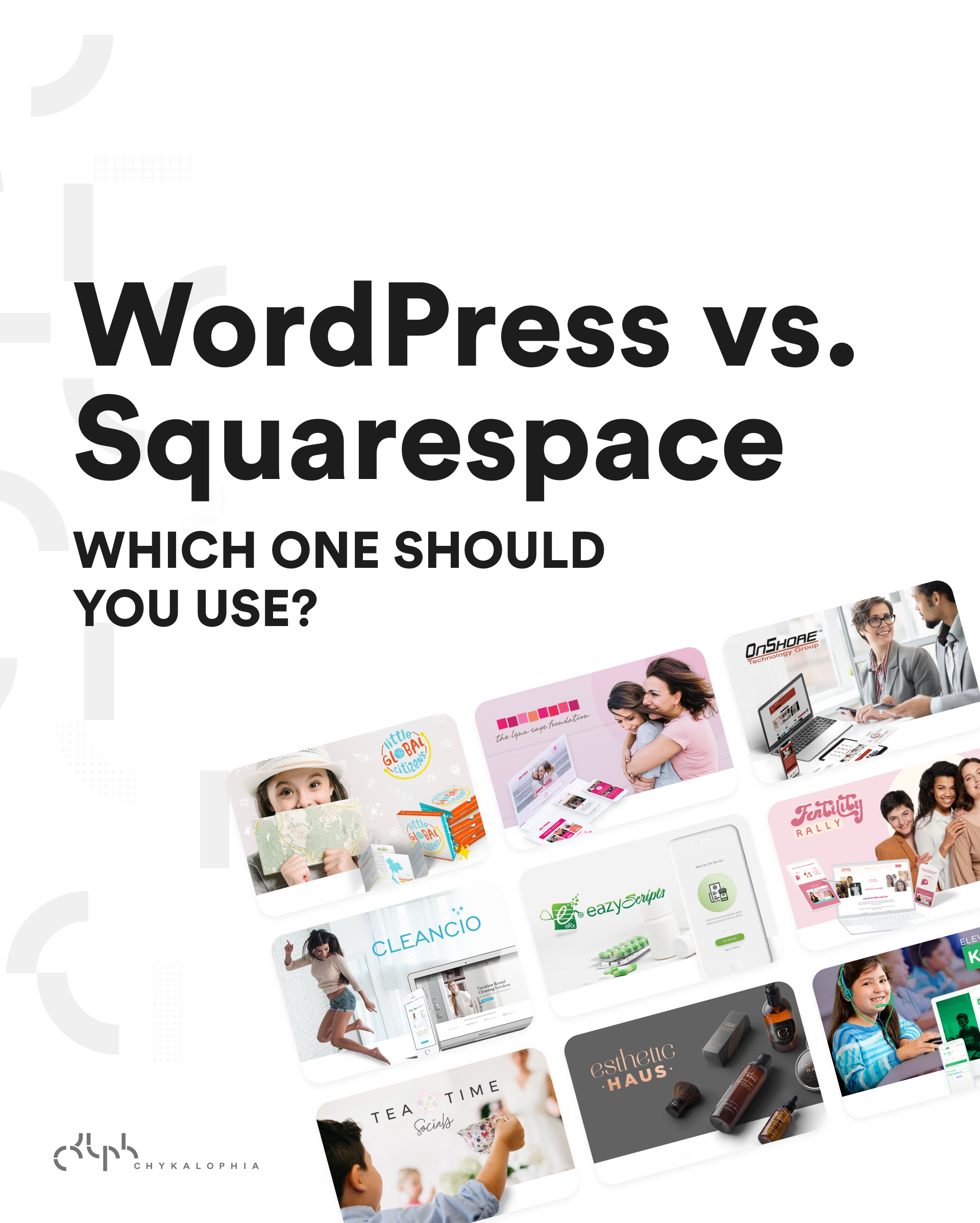
WordPress vs. Squarespace: Find The Best System that Suits Your Business Needs
Of all the systems available in the market today, some remain more popular with millions of active sites. This article will help you compare and choose between two leading website platforms:…
See exactly where your site is losing conversions
Paste your URL and get an instant conversion score. No form to fill out, no sales call.
Weekly strategies for businesses building what's next.
The Next Draft: one email a week on turning B2B websites into pipeline. No fluff, unsubscribe anytime.