
How to Create an Autism-Friendly Website: 5 Mistakes to Avoid and How to Test
An autism-friendly website is calm, predictable, and literal. That also describes a site a busy B2B buyer can use in two minutes. Here are five common mistakes, how to fix them, and how to test your site.

An autism-friendly website is calm, predictable, and says exactly what it means. Read that list again and it also describes the site a busy purchasing manager or engineer wants: one they can scan in two minutes without being shouted at by motion, pop-ups, and vague copy. So designing for neurodivergent visitors gives you a clear specification for a site everyone finds easier to use.
Who this is for
In the CDC's most recent surveillance data, about 1 in 31 eight-year-olds in the United States had been identified with autism (CDC, Autism and Developmental Disabilities Monitoring Network, 2022 data). Add people with ADHD, dyslexia, and other cognitive and learning differences, and the group that struggles with a noisy, unpredictable website is much larger than most teams assume.
Think of sitting in a jammed intersection with the lights out and every driver leaning on the horn. A website with an autoplaying video, a rotating banner, a chat bubble that bounces, and a cookie banner on top of a newsletter pop-up can feel a lot like that to many autistic visitors. For everyone else it's merely annoying, which is still enough to make them leave.
This article is the practical, neurodiversity-focused companion to our broader piece on why web accessibility is good UX, and good business. Start here if you want the specific design choices, and start there if you need the business case and the procurement angle.
The rule of thumb: calm, structured, literal
The W3C's guidance on making content usable for people with cognitive and learning disabilities sets out eight design objectives. Three of them do most of the work for autistic visitors: help users find what they need, use clear and understandable content, and help users focus (W3C, Making Content Usable for People with Cognitive and Learning Disabilities). In practice that means no visual noise, no surprises, and no guessing what a sentence means.
A calmer website makes the experience better for every visitor, including the few who need it most.
5 common mistakes, and how to fix them
Check your site for the five mistakes
Open your home page and your busiest product page, and answer yes or no. Tap a mistake's name to jump to the fix.
0 of 5 answered
0 yes0 no
- Calm color
Do you use a few calm colors, with one accent for the main action and text that still meets contrast?
- One navigation
Is there one navigation pattern, in the same place on every page?
- Still by default
Does nothing autoplay, rotate or move unless the visitor starts it?
- Literal language
Does the copy say exactly what you mean, with no idioms or vague claims?
- No interruptions
Can a visitor read the first screen with no pop-up, chat window or notification request?
Your answers stay in this browser only.
Loud color, mistaken for good contrast
Neon accents, large saturated backgrounds, and several bright colors competing on one screen can be overstimulating. Lowering contrast won't fix it, since text still needs to meet WCAG contrast (4.5:1 for normal text). What helps is fewer, calmer colors: a muted base, one accent reserved for the action you want, and dark text on a light, plain background.
If your brand palette is loud, keep the brand colors for small, deliberate moments (the logo, the primary button) rather than painting whole sections with them.
Navigation that makes people guess
A top bar, a sidebar, a mega menu, and a hamburger that each show different options. Where do you even start?
Pick one navigation pattern and keep it in the same place on every page. WCAG calls this consistent navigation, and it's a Level AA requirement. For a manufacturer, organize it around what buyers look for: products or processes, industries served, capabilities and certifications, and a clear way to request a quote. Our article on what manufacturing buyers check on your website walks through that order.
Motion that serves no purpose
An autoplaying hero video, a carousel that rotates every three seconds, a cursor trail, a bouncing chat button. Each one pulls attention away from the content, and together they make a page hard to read.
- Give people control. WCAG 2.2.2 (Pause, Stop, Hide, Level A) requires a way to pause, stop, or hide anything that moves automatically for more than five seconds alongside other content.
- Respect the setting. Many people turn on "reduce motion" in their operating system. The CSS
prefers-reduced-motionmedia query lets your site honor it. - Default to still. Put a play button on the trade show reel or the factory tour video instead of autoplaying it. Replace carousels with one strong, static message.
As a bonus, less motion usually means a lighter, faster page.
Sarcasm, idioms, and vague claims
The W3C's cognitive accessibility guidance includes a pattern called "Use Literal Language," alongside "Explain Implied Content" (W3C COGA). Idioms, sarcasm, and clever wordplay can be hard to decode, and so can marketing claims that never say what they mean.
"We go the extra mile" says nothing, while "We ship most orders within five business days and confirm the date when you order" tells the buyer something they can plan around. Literal copy is easier for autistic readers, for buyers reading in a second language, and for the AI tools that now summarize your site for buyers.
Interruptions: pop-ups, chat, and notifications
A newsletter modal on arrival, a chat window that opens itself, and a push notification request, all before the visitor has read a sentence. The W3C guidance calls this out directly: "Limit Interruptions" is one of its patterns for helping users focus.
Show one thing at a time. Let the chat button wait to be clicked. Ask for an email address after someone has read something worth subscribing to, not before.
How to check your website's accessibility in 5 steps
If that number makes your own site feel like a big project, you're in very large company, and the steps below break it into pieces you can do one at a time.
Run an automated scan
Start with a free scan to catch the machine-detectable issues: missing alt text, unlabeled form fields, low contrast, broken heading structure.
- Tools: WAVE from WebAIM and axe DevTools both run in the browser. Lighthouse, built into Chrome DevTools, includes an accessibility audit.
- How: Scan your key templates as well as the homepage: a product page, a capability page, and the quote or contact form.
Be wary of "overlay" widgets that promise one-line compliance. In January 2025 the FTC announced a $1 million settlement with accessiBe, finalized in April 2025, alleging it overstated what its accessibility plug-in could do, including a claim that it could make websites WCAG compliant within 48 hours (FTC, 2025). A widget also adds exactly the kind of extra interface this article argues against, so fix the code instead.
Test by hand
Automated tools miss a lot. Two manual checks catch most of the rest.
- Keyboard: Put the mouse away and use Tab, Shift+Tab, Enter, and Space to reach every link, button, and form field. You should always see where you are (a visible focus ring), and you should never get stuck. WebAIM's keyboard guide explains what to look for.
- Screen reader: Use VoiceOver on Mac or NVDA on Windows, both free, and listen to the page top to bottom. Headings should read in a logical order (H1, then H2, then H3), and buttons should say what they do.
Watch real people use it
Recruit a few people with different disabilities, including autistic and other neurodivergent people, and ask them to complete a real task: find a product spec, request a quote. Watch where they hesitate. The W3C has guidance on involving users in evaluating accessibility, including how to do it respectfully.
Write alt text that helps
Alt text tells a screen reader user what an image shows and why it's there. Describe what matters ("CNC-machined aluminum housing, anodized black, shown next to a ruler for scale") instead of the file name. Mark purely decorative images with empty alt text so they're skipped. Good alt text also helps image search.
Check against WCAG 2.2
The Web Content Accessibility Guidelines are the reference standard, and WCAG 2.2 has been the current W3C Recommendation since October 2023. Level AA is the usual target. It's also the level the US Department of Justice requires of state and local government websites, under WCAG 2.1 (ADA.gov), which matters if you sell to them.
Use the WCAG 2.2 Quick Reference to check each fix against a specific success criterion, so you know what you meet and what you don't yet.
How to do it
- Run one page through WAVE and axe DevTools, and fix the color-contrast and missing-label errors first because they tend to clear in bulk.
- Put the mouse away and tab through the whole page: confirm every interactive element takes a visible focus ring and nothing traps the keyboard.
- Turn on NVDA on Windows or VoiceOver on Mac and listen top to bottom, checking that headings read in order and images announce useful alt text.
- Turn on "reduce motion" in your operating system and reload: anything still moving on its own needs a pause control or should go.
- Spot-check each flagged item against the WCAG 2.2 Quick Reference before you call it fixed.
See a worked example
Here's a made-up but typical run. Say you put your homepage through WAVE and it flags 12 color-contrast errors and 3 form fields with no label. You might fix the contrast in your design tokens first, since one token change often clears several flagged elements at once, then tab through the page to confirm every button and link takes a visible focus ring, then switch on reduce motion and find the hero video still autoplays. The automated scan rarely catches everything, and the keyboard, motion, and human passes usually surface the issues that block people.
Tools to use
WAVE for a free in-browser scan, axe DevTools for developer-focused testing, the WCAG 2.2 Quick Reference, the W3C's cognitive accessibility guidance, and MDN on prefers-reduced-motion.
Steal our AI prompt
Act as a web accessibility reviewer with a focus on autistic and neurodivergent users, working to WCAG 2.2 level AA and the W3C guidance "Making Content Usable for People with Cognitive and Learning Disabilities." Here is a description of my page and its automated scan results: [describe the layout, any motion, pop-ups, and navigation, and paste WAVE or axe DevTools results]. The page's main task is [describe, for example: request a quote]. Group the issues into (1) visual noise and motion, (2) navigation and structure, (3) unclear or figurative language, and (4) interruptions. For each issue, name the WCAG success criterion or W3C pattern it maps to and give a plain-language fix I can hand to a designer or developer. Do not invent criteria; if you are unsure, say so.
Autism-friendly design benefits everyone
Every mistake on this list (the loud colors, the guessing-game navigation, the pointless motion, the vague copy, the pop-ups) also gets in the way of visitors who aren't autistic. Fix them and the site is calmer for everyone, including the buyer comparing three suppliers at the end of a long day. Not sure where your site stands? Our free website scorecard is a quick place to start.
Keep reading
 UX & Web Design
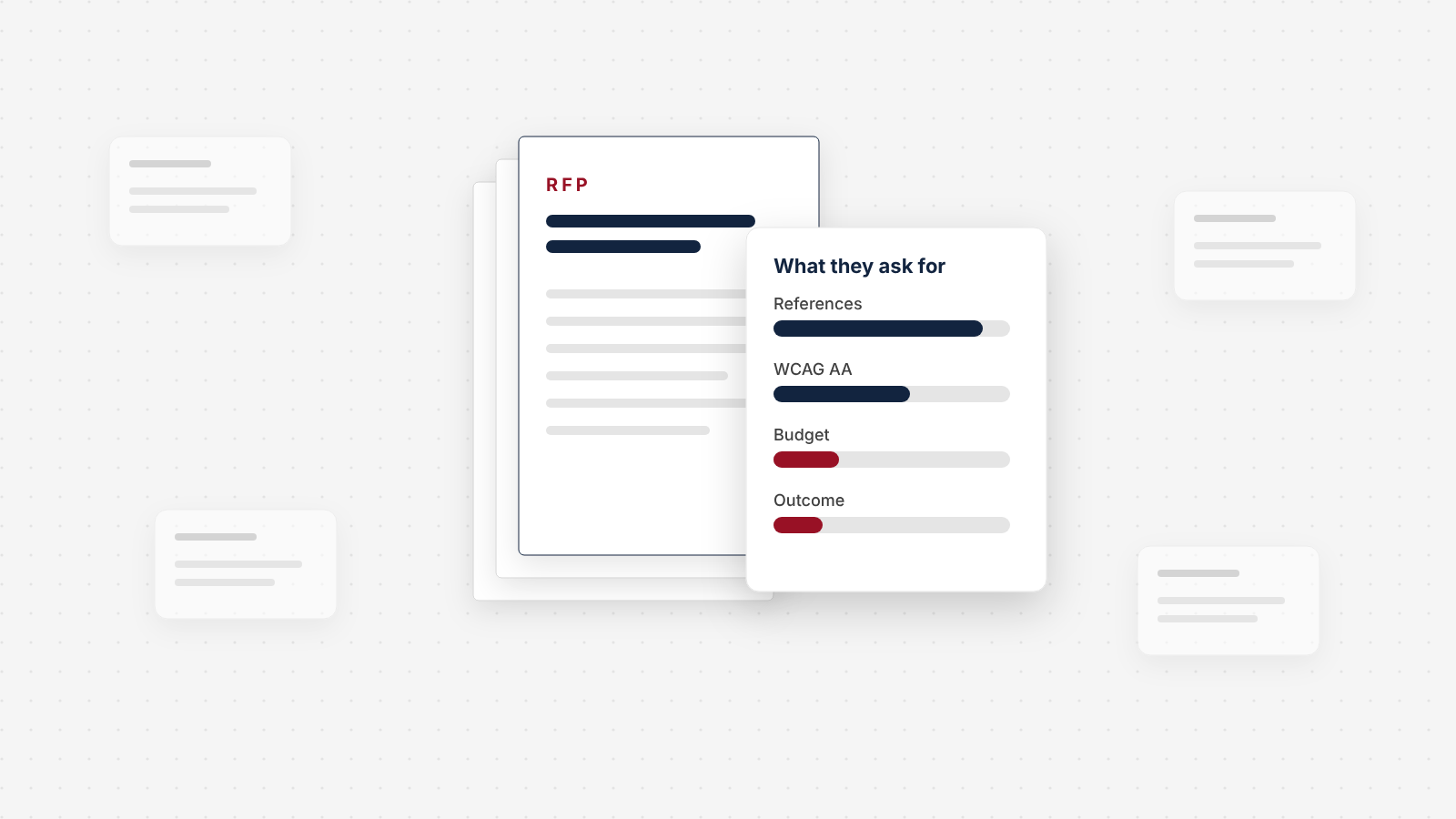
We Read 79 Website RFPs. Here's What They Ask For
Our study of 79 public website redesign RFPs from 2024 to 2026: how often they state a budget, how little price counts in the score, and how few say what the new site has to achieve.
 UX & Web Design
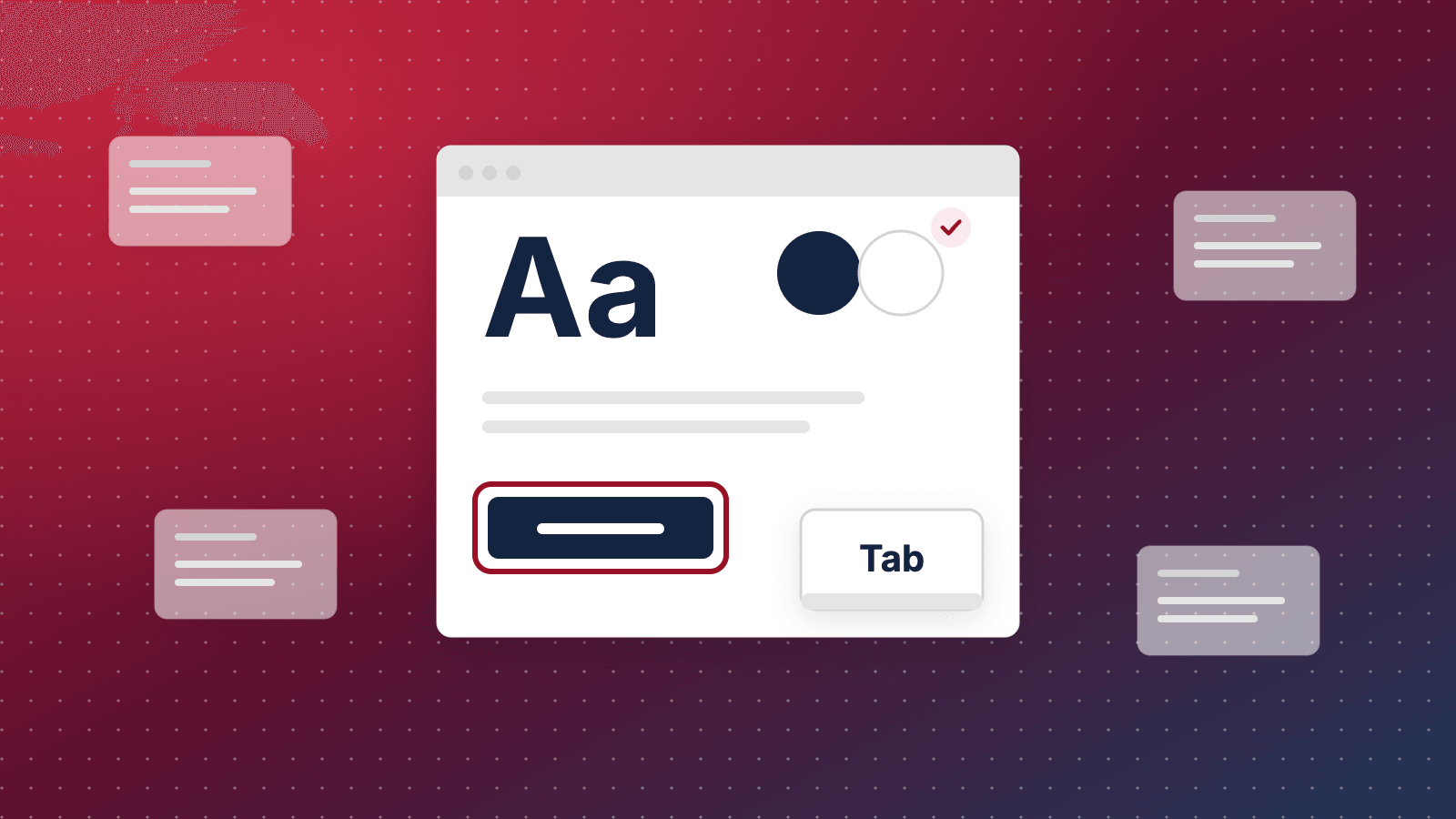
Web Accessibility Is a UX and Revenue Problem, Not Just a Legal One
Almost every website fails basic accessibility. The defects that lock out disabled users are the same ones costing you conversions and search visibility, and for B2B suppliers they're now a question in the bid. Here's the data, and what to do.
 UX & Web Design
B2B Ecommerce UX: What Manufacturers and Distributors Need in an Ordering Portal
B2B buyers aren't browsing. They're reordering, checking specs, and confirming their price. Here's the UX a manufacturer or distributor ordering portal needs, with the features that earn repeat orders.
See exactly where your site is losing conversions
Paste your URL and get an instant conversion score. No form to fill out, no sales call.
Strategies for businesses building what's next.
The Next Draft: occasional notes on turning B2B websites into pipeline. Unsubscribe any time.